

Last Updated: January 20, 2026
Windows has always been the go-to platform for PC users worldwide, but not every computer is built for the latest bloated releases. For many in Europe, Australia, and America running older machines, compact laptops, or budget desktops, a full Windows installation can feel slow, heavy, and resource hungry.
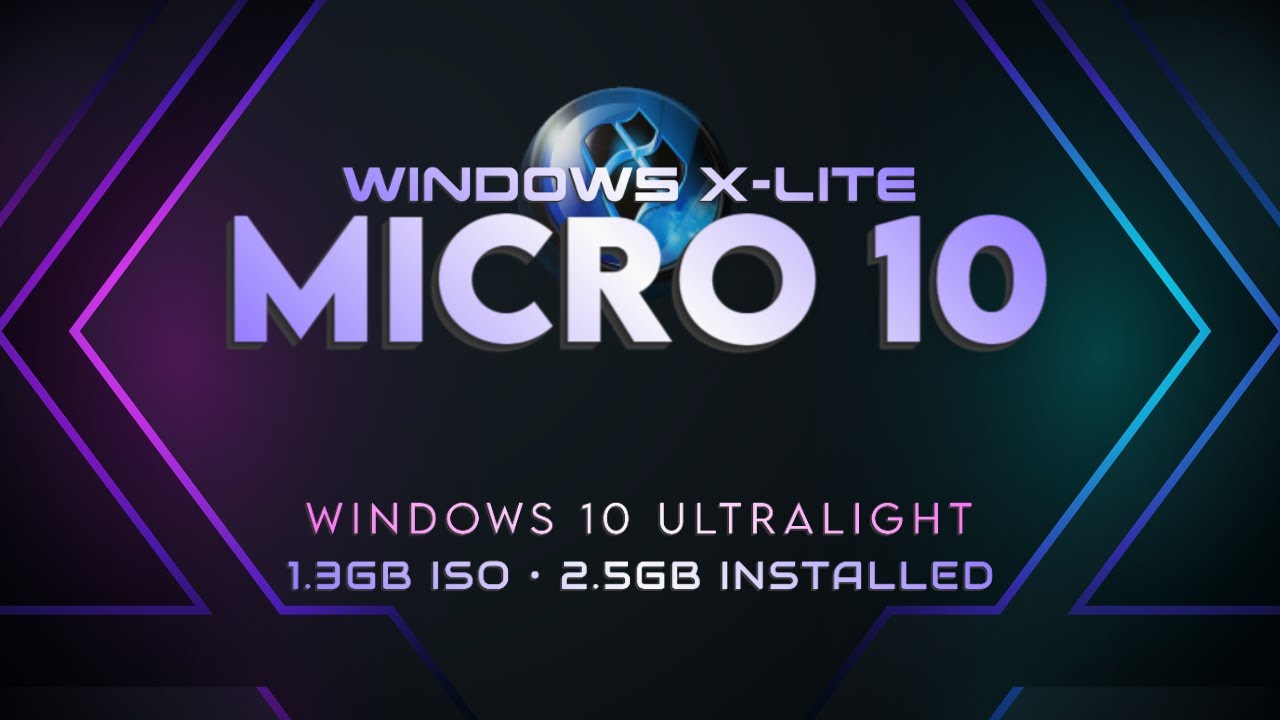
Enter Windows X-Lite ‘Micro 10’ — a highly streamlined, ultra-light version of Windows 10 designed to run well on low-spec hardware. Originally created as a tiny ISO (~1.3 GB) with just ~2.5 GB installed, this build trims unnecessary features while preserving familiarity and core functionality.
This post breaks down what it is, why it matters in 2025, how to use it, advantages and pitfalls, and real alternatives for efficient computing.
📌 What Is Windows X-Lite ‘Micro 10’?
Windows X-Lite, sometimes called “Micro 10,” is a stripped-down Windows 10 variant that removes non-essential components to reduce installation size and improve performance.
Unlike official Microsoft ISOs, this version is customized (by community modders) to:
- Reduce Windows footprint drastically
- Load faster
- Use less disk space
- Run on lower CPU/RAM setups
- Trim background services and apps
Users have reported the full installation sitting at roughly 2.5 GB, making it ideal for:
- Legacy laptops
- Mini PCs
- Embedded systems
- Virtual machines
- Recovery tools
It appeals to anyone who needs a light, responsive Windows experience without the bloat of standard releases.
🚀 Why Lighter Windows Builds Matter in 2025
Even in 2025, many people don’t have access to cutting-edge hardware. Reasons include:
- Older machines still in use for productivity
- Budget constraints in student or travel laptops
- Mini PCs used as media centers or thin clients
- Embedded and specialized hardware
Modern Windows 10 / 11 installations can be over 20 GB, and performance on 4 GB RAM machines is often sluggish. Lightweight OS versions like Windows X-Lite fill a niche by offering:
✔ Quick boot times
✔ Less memory usage
✔ Faster UI responsiveness
✔ Better performance on low-end PCs
This matters especially for remote learners, field technicians, and travelers who need usable Windows on minimal hardware.
⚙️ What Features Are Removed?
In a typical Micro 10 build, some trimmed components include:
- Default UWP apps (Xbox, Weather, Cortana)
- Background telemetry services
- Some default drivers
- Optional fonts and languages
- Built-in Store and App-centric frameworks
The goal is not to break functionality — but to remove non-critical systems that most users never use.
If you depend on Windows Store apps, frequent app updates, or certain media codecs, this may not be the ideal setup.
🛠 How to Install Micro 10 Safely
Before we talk installation, two things are important:
- Back up your data. Installing custom Windows builds always carries risk.
- Know the source. Only use trusted community builds.
Installation Steps (General Guide)
- Download the ISO to a clean directory.
- Create a bootable USB using tools like Rufus or Ventoy.
- Boot your PC from the USB drive.
- Choose the target drive and follow the setup prompts.
- Enter your product key (if needed) or select skip if unactivated.
- Let the system install and reboot.
After installation:
- Install drivers
- Update security tools
- Avoid suspicious software
🧠 Performance Expectations
Because the base install is lean:
- Boot times are often faster than stock
- UI feels snappy even on older CPUs
- Less RAM pressure = smoother multitasking
- Good performance in office and light apps
However:
- Some updated drivers may be missing
- Multimedia codecs might need manual install
- App store and related features are typically absent
🛡 Security & Compatibility Considerations
Any custom Windows build must be handled cautiously:
🔹 Security Updates
Official Windows updates may not install normally, and some security patches may fail. This means:
- You might miss critical updates
- Your system could be exposed
🔹 Compatibility
Some software expects certain Windows components. Micro builds can break:
- Windows Store apps
- UWP frameworks
- Drivers for niche hardware
🔹 Legal & Support
Custom Windows builds are unofficial — not supported by Microsoft. This matters if you rely on official tech support.
Pro tip: Use these builds for testing, light productivity, or isolated tasks — but not as your primary business machine unless you understand the tradeoffs.
40 Best Low-End PC Games in 2025 (No Graphics Card)
🧩 Best Use Cases for Micro 10
Here are ways this kind of lightweight Windows makes sense:
💻 Older Laptops
Breathing new life into ancient machines without upgrading hardware.
📂 Virtual Machines
Great for VMs where space and speed matter (e.g., sandboxes, lab environments).
🛠 Tech Repair Tools
Bootable Windows environment for diagnostics and repair.
🎓 Students & Travelers
Use a compact Windows install on the go without large storage needs.
📎 Alternatives to Micro 10
If a custom Windows build isn’t right for you, consider:
🔹 Windows 10 LTSC (Long Term Servicing Channel)
A Microsoft-supported light Windows experience without frequent app updates.
🔹 Cloud-Based Windows (via services like Windows 365 or virtualization)
Runs on a cloud PC but accessible from any device.
🔹 Linux with Windows Compatibility (e.g., Zorin, Ubuntu + Wine)
Modern lightweight Linux distros provide robust alternatives with app compatibility through Wine or Proton.
🔹 ChromeOS Flex
Lightweight OS from Google that runs on older hardware with Chrome ecosystem support.
📌 Wrapping Up: Is Micro 10 Worth It?
Short answer: It depends.
Windows X-Lite “Micro 10” is valuable if:
✔ You want Windows responsiveness on low-end hardware
✔ You don’t need advanced features like the Store or UWP
✔ You’re comfortable tweaking drivers and settings
✔ You need a portable, minimal environment
But if you rely on official support, security updates, and app ecosystems, you may prefer:
- Official Windows variants
- Cloud or Linux alternatives
- Lightweight productivity workflows
In 2025, the real trend isn’t just smaller software — it’s smart software: systems tailored to purpose, not power.
🧠 Final Thought
Technology should adapt to people, not the other way around. Micro 10 and similar builds prove that choice still matters: you can have usable Windows without a powerhouse machine — as long as you choose tools wisely and understand their tradeoffs.
