
Last Updated: January 15, 2026
Facebook has become an integral part of our lives. We use it to stay connected with friends and family. However, we also share a lot of personal information on Facebook that can make our account vulnerable.
That’s why it’s important to use Facebook’s privacy settings to control who sees what you share. Here are some tips to make your Facebook account more private and secure:
Review Privacy Settings
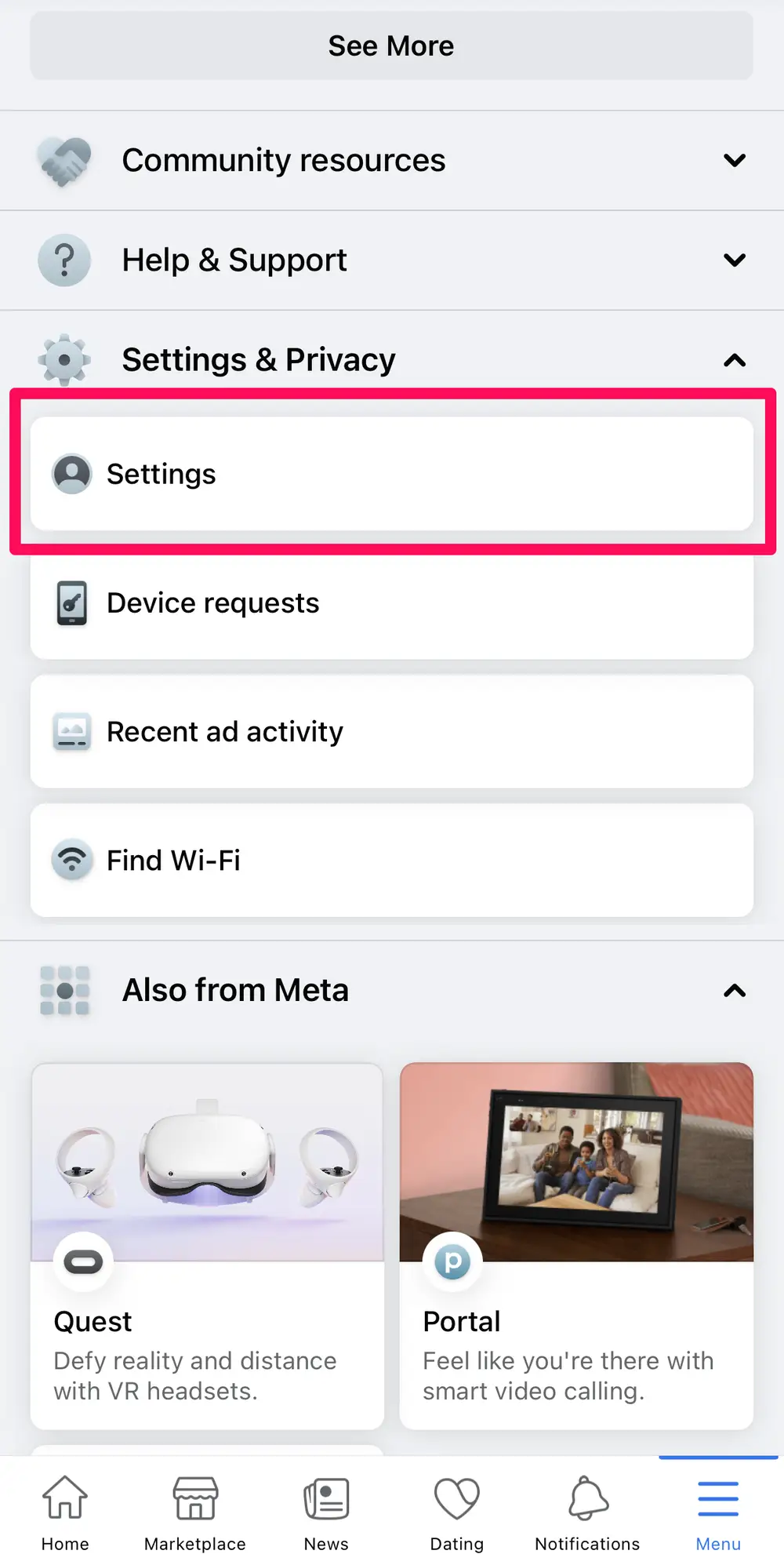
Go to “Settings” and then “Privacy.” Limit the audience for posts, profile info, contacts etc. Make them visible to friends only.
Accept Friend Requests Selectively
Don’t accept requests from strangers. Review friends lists and remove any unwanted connections.
Limit Personal Info Sharing
Avoid sharing your address, phone number or birthday publicly on your profile.
Turn Off Location Services
Disable location services so your location is not shared automatically in posts.
Create Strong Password
Use a complex, unique password that is hard to guess. Update it every few months.
Enable Login Notifications
Get alerts about unrecognized logins to monitor suspicious activity.
Be Wary of Third-Party Apps
Limit apps connected to your account. Remove unused apps.
Use Security Tools
Enable two-factor authentication. Use Facebook’s privacy checkup tool.By following these tips, you can keep your Facebook account much more private and secure from unwanted access. Be proactive about your privacy settings and review them regularly.I hope this post helps you protect your privacy on Facebook. If you have any questions or feedback for me, please let me know. I am always happy to chat with you and learn new things. 😊
Facebook Off-Activities: What They Are and How to Protect Yourself
