

Last Updated: October 1, 2026
How to Learn Coding: Part 2 — Breaking the Copy-Paste Trap
A lot of people hit an invisible wall right around day four, and it usually plays out like this:
You find a well-reviewed YouTube video or a course. The instructor tells you to follow along while they build a weather app or a simple counter. You watch the screen, pause, type the exact same characters into your editor, and hit save. The app loads. It works. You feel great.
Then, you close the video. You open an empty file, staring at a blank screen and a blinking cursor.
Your mind goes totally quiet. You have no idea what line to type first.
That feeling is horrible, but it doesn’t mean you’re bad at logic. It just means you spent an hour practicing your typing speed instead of practicing programming.
When you mirror someone else’s screen, your brain doesn’t bother doing the heavy lifting of figuring out why a particular piece of code was chosen. The teacher solved the puzzle off-camera yesterday; you’re just copying their finished puzzle pieces onto your desk.
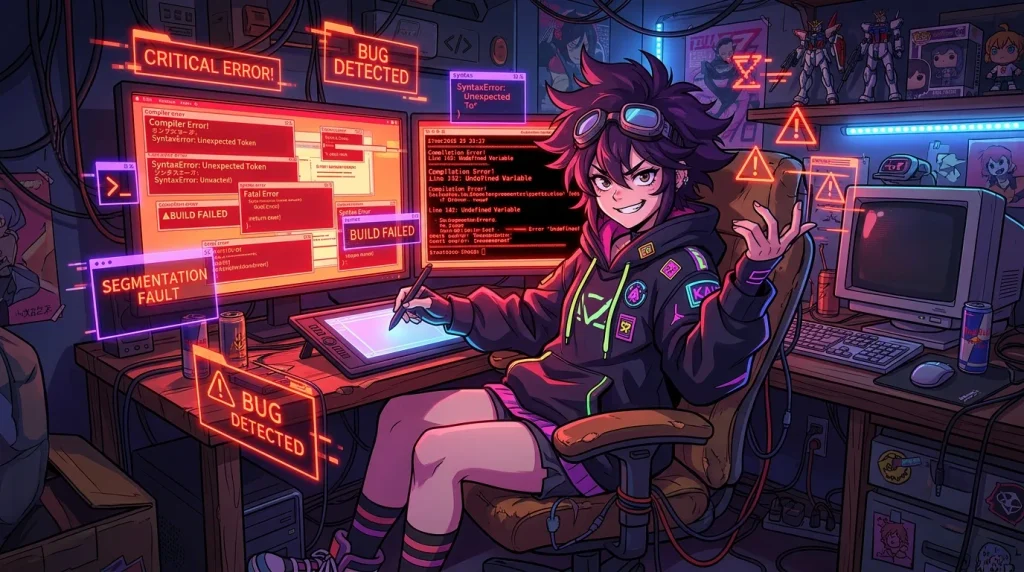
The “Mess It Up on Purpose” Approach
To actually learn how code behaves without getting stuck in that loop, you have to break things intentionally.
Whenever you finish a tutorial step and the code is working, don’t just move on to the next video. Stop right there and play with the file:
- Swap numbers and text: If a counter increases by 1, try making it decrease by 5. If text pops up saying “Success”, change it to something ridiculous.
- Delete a random character: Remove a bracket, misspell a keyword, or delete an entire line. Save it and look at what happens.
- Read the ugly red text: The computer will yell at you with an error. Don’t panic and immediately undo. Stare at that error message for thirty seconds. See if you can connect what you broke to the words on the screen.
When you break code on purpose, the error isn’t scary because you already know what caused it. Over a couple of weeks, that takes away the dread of seeing red error messages when you’re working on your own.
Build From Memory (Badly)
Once you finish a tiny lesson, minimize the browser window.
Open a fresh file and try to recreate just one small thing you saw, strictly from memory. You might only remember the first two lines, and then you’ll get stuck.
That is the exact moment where learning happens.
Sit with that stuck feeling for three or four minutes. Try guessing. If nothing works, peek back at the tutorial, grab that one missing detail, minimize it again, and keep going.
Writing five broken lines of code by wrestling with your own memory will teach you more than copying fifty lines flawlessly while watching a video at 1.5x speed.
What to aim for right now
Do not try to make anything polished or impressive. If you learned how to take user input today, write a tiny program that asks for someone’s name and prints back an insult. If you learned how to change colors on a webpage, make a terrible, neon-green background that hurts your eyes.
Keep the stakes on the floor. When you don’t care if the project looks good, you aren’t afraid of ruining it.
In Part 3, we’ll talk about how to deal with Google and documentation without feeling like you’re drowning in computer science jargon.
